
A strong Kickstarter video starts long before anyone presses record. In 2025, most delays, extra costs, and weak videos come from missing pre-launch preparation, not from cameras or editing. This checklist walks through what you should have ready before filming so your shoot runs smoothly and your final video actually helps you fund.
Quick overview
Kickstarter video pre-production checklist for 2025
1. Clarify your campaign strategy and goals
Pre-production begins with clarity, not with cameras.
- Define your funding goal and minimum success number.
- Know your product margins and realistic pledge levels.
- Decide what role the video plays in your funnel: main explainer, trust builder, ad fuel, or all three.
- Align on your launch window and pre-launch plan. For a full overview, see your Kickstarter marketing guide for product creators in 2025.
This context tells you how ambitious the video should be and how much budget makes sense.
2. Lock your product and core offer
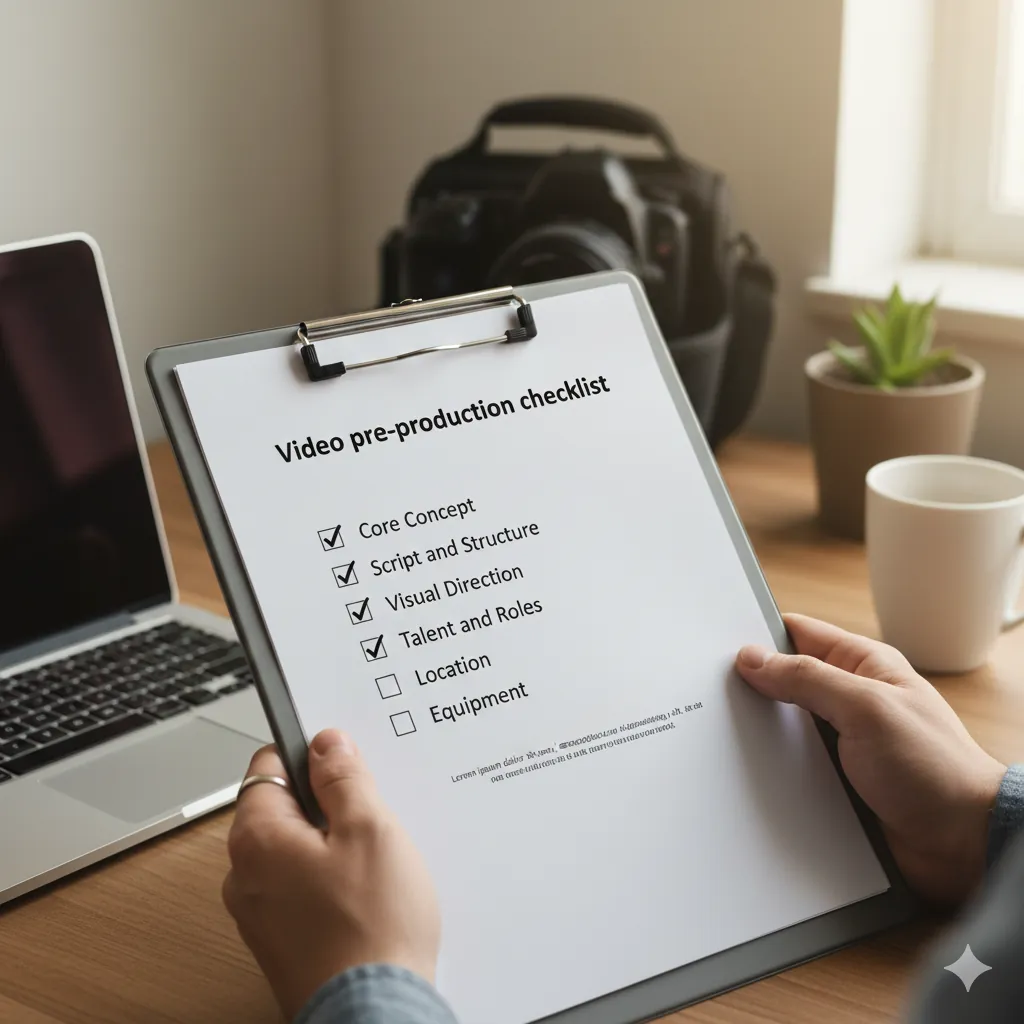
Filming with a half ready product is one of the fastest ways to waste money.
- Have a working prototype that looks close to final.
- Decide your key offers: main reward, early bird, and any important bundles.
- List three to five core benefits that matter most to backers.
- Collect basic proof: test users, early reviews, or clear comparisons.
Your video script and visuals should revolve around this offer, not around a long list of features.
3. Align video scope with budget and timeline
Before you brief any studio, decide what you can realistically support.
- Set a video and photography budget that fits inside your full marketing budget. As a rule, keep creative in the 15 to 30 percent range.
- Decide if you are aiming for a starter, growth, or high complexity production. For reference, see your Kickstarter video cost and budget guide for 2025.
- Confirm your launch date and work backwards for script, shoot, and edit deadlines.
If the timeline is too tight, simplify the concept rather than trying to squeeze a complex shoot into a few days.
4. Define your audience and positioning
The more clearly you define who the video is for, the easier it becomes to write and film.
- Describe your ideal backer: what they do, what they already tried, what frustrates them.
- Write a one sentence positioning statement: "This product helps [who] solve [problem] by [solution]."
- List two or three competing products your audience already knows.
- Note why backers should trust you as a creator.
At BoostYourCampaign we use this to shape your hook, opening problem statement, and proof sections in the script.
5. Draft a simple script structure
You do not need final word-for-word lines at the beginning, but you do need a clear structure.
- Hook: first 3 to 5 seconds that show the product on screen and working, solving the problem or delivering the outcome.
- Problem: short, concrete picture of the pain your backer feels now.
- Solution: how your product works and what makes it different.
- Proof: demos, tests, social proof, and real use cases.
- Offer: what backers get, early bird, and what happens next.
- Call to action: clear instruction to back now.
Later, this structure becomes your full script and story spine. For script depth, pair this checklist with your Kickstarter video script and storytelling guide.
6. Build a shot list and light storyboard

Next, translate the script outline into specific scenes.
- List every key moment that must be seen on screen: product in use, close ups, founder message, lifestyle scenes.
- For each moment, note who is on camera, where it happens, and any props needed.
- Sketch a light storyboard, even if it is stick figures. This aligns everyone on framing and flow.
- Decide which shots will double as ad cut downs or website hero clips.
When we run pre-production at BoostYourCampaign, the shot list is directly tied to the final deliverable list, so every scene earns its place.
7. Confirm locations, permits, and logistics
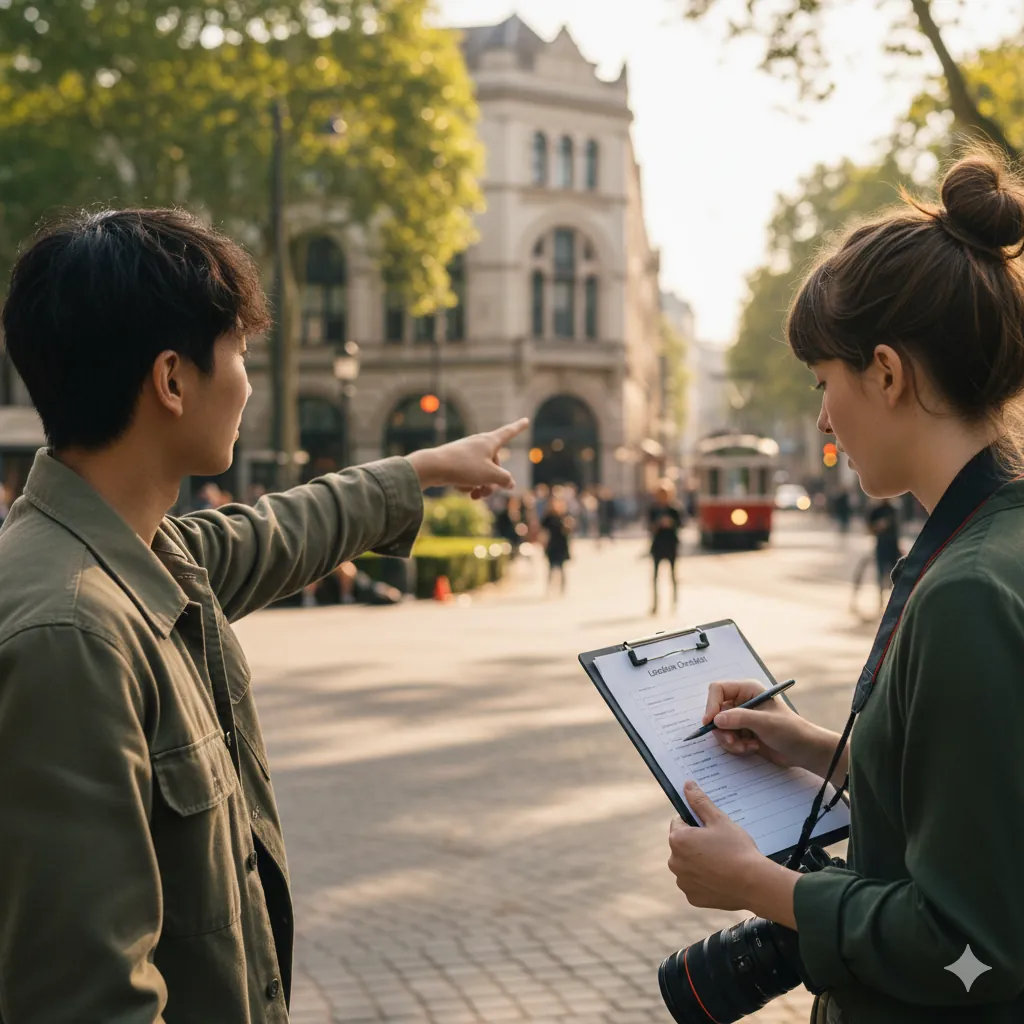
Location chaos is a common cause of stress and overtime invoices.
- Choose one or two main locations that match your backer's world.
- Check access, parking, power, and noise levels.
- Secure written permission or permits if needed, especially for public spaces.
- Plan a weather backup if you are shooting outdoors.
If you work with BoostYourCampaign studios in the US or Europe, many of these items are handled for you in controlled spaces, but you still need to provide a clear sense of your brand and environment.
8. Cast, wardrobe, and props
Even simple choices here can make a big difference on screen.
- Decide who appears in the video: founder, team, real users, or hired talent.
- Pick clothing that fits your brand and avoids heavy patterns or distracting logos.
- List all props needed to show the product in use and scale (bags packed, desks, bikes, game tables, and so on).
- Prepare backup units of your product in case of damage during filming.
Keep the focus on the product and the problem, not on unusual outfits or props that distract from the core story.
9. Technical requirements and formats
Deciding technical details early prevents re-shoots later.
- Agree on primary aspect ratio for the main video, usually 16:9.
- List required formats for ads and social: 9:16, 1:1, or 4:5.
- Confirm frame rate and resolution based on platform needs.
- Plan where overlays, captions, and callouts will sit so framing leaves room.
At BoostYourCampaign, pre-production includes an explicit overview of all final formats, so the crew frames every shot with repurposing in mind.
10. Deliverables, ownership, and approvals
Before anyone shows up with a camera, make sure the agreement is clear.
- List all deliverables in writing: main video, short edits, stills, thumbnails.
- Define how many edit rounds are included and how feedback should be given.
- Clarify who owns raw footage and final files after the project.
- Confirm music licensing terms and where you can use the video after Kickstarter.
These points protect both you and the production team and help keep timelines on track.
11. Align video with your overall Kickstarter funnel
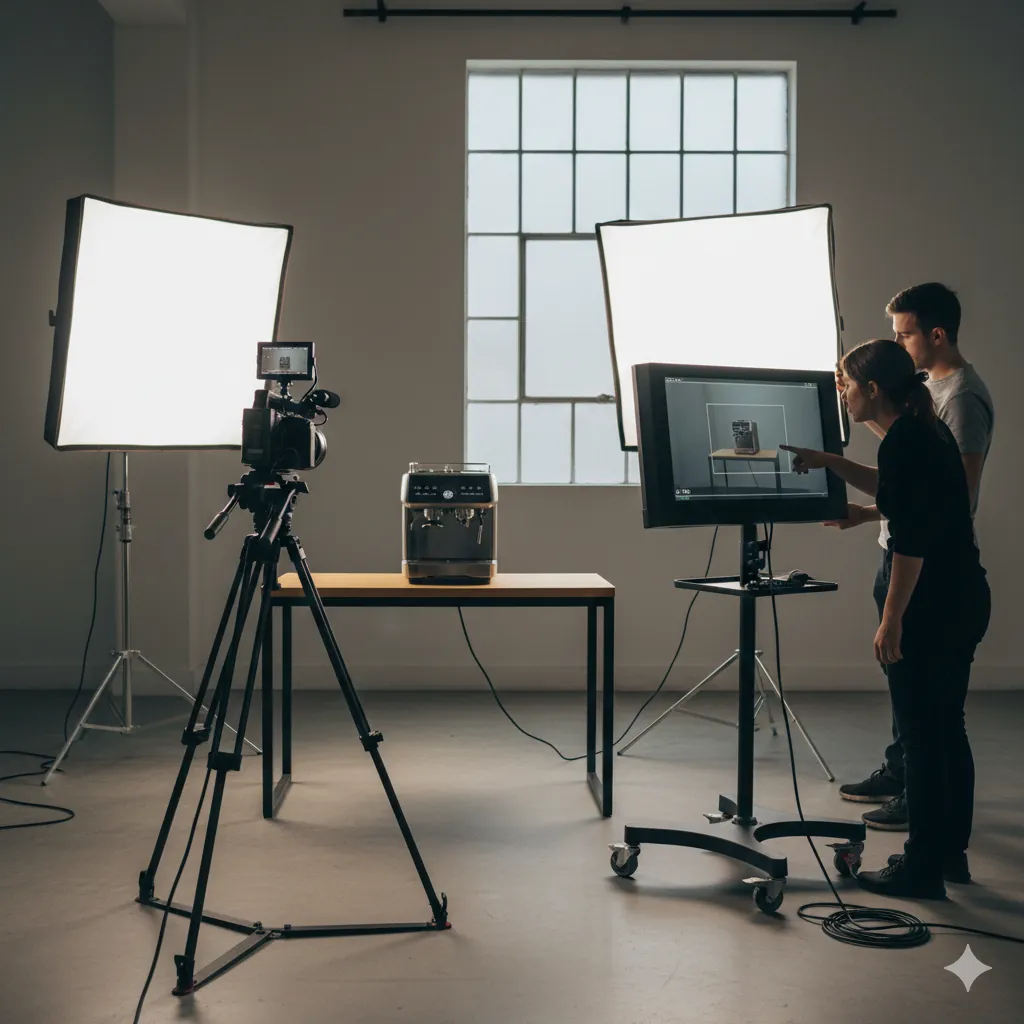
Your video does not live alone. It needs to support your landing pages, pre-launch ads, and the campaign page itself.
- Make sure the promises in the script match the copy on your campaign page.
- Plan which video moments will appear as GIFs or clips on the page.
- Connect video hooks to proven angles from your pre-launch ad tests.
- Align timelines with your broader marketing plan from the Kickstarter marketing guide for product creators in 2025.
This alignment is where performance comes from. When our studios film for BoostYourCampaign clients, the same team that runs ads and tracks performance is involved in pre-production decisions.
FAQ: Kickstarter video pre-production in 2025
How long should I plan for Kickstarter video pre-production
Do I need a full storyboard or is a simple shot list enough
Can I reuse parts of my pre-launch ads in the main video
What happens if my product design changes after we film
How does BoostYourCampaign handle video pre-production for clients
Where can I see how other creators describe working with BoostYourCampaign
Related guides
- Video for Kickstarter in 2025: complete guide for product creators
- Kickstarter video cost and budget guide for 2025
- Kickstarter video script and storytelling guide for 2025
- Complete Kickstarter marketing guide for 2025
- Kickstarter pre-launch checklist for 2025
Ready to give your campaign the best shot?
We've helped 4,600+ creators raise over $734M since 2010. Let's pressure-test your launch plan and find the highest-leverage fixes before you go live.
Talk to an expert →