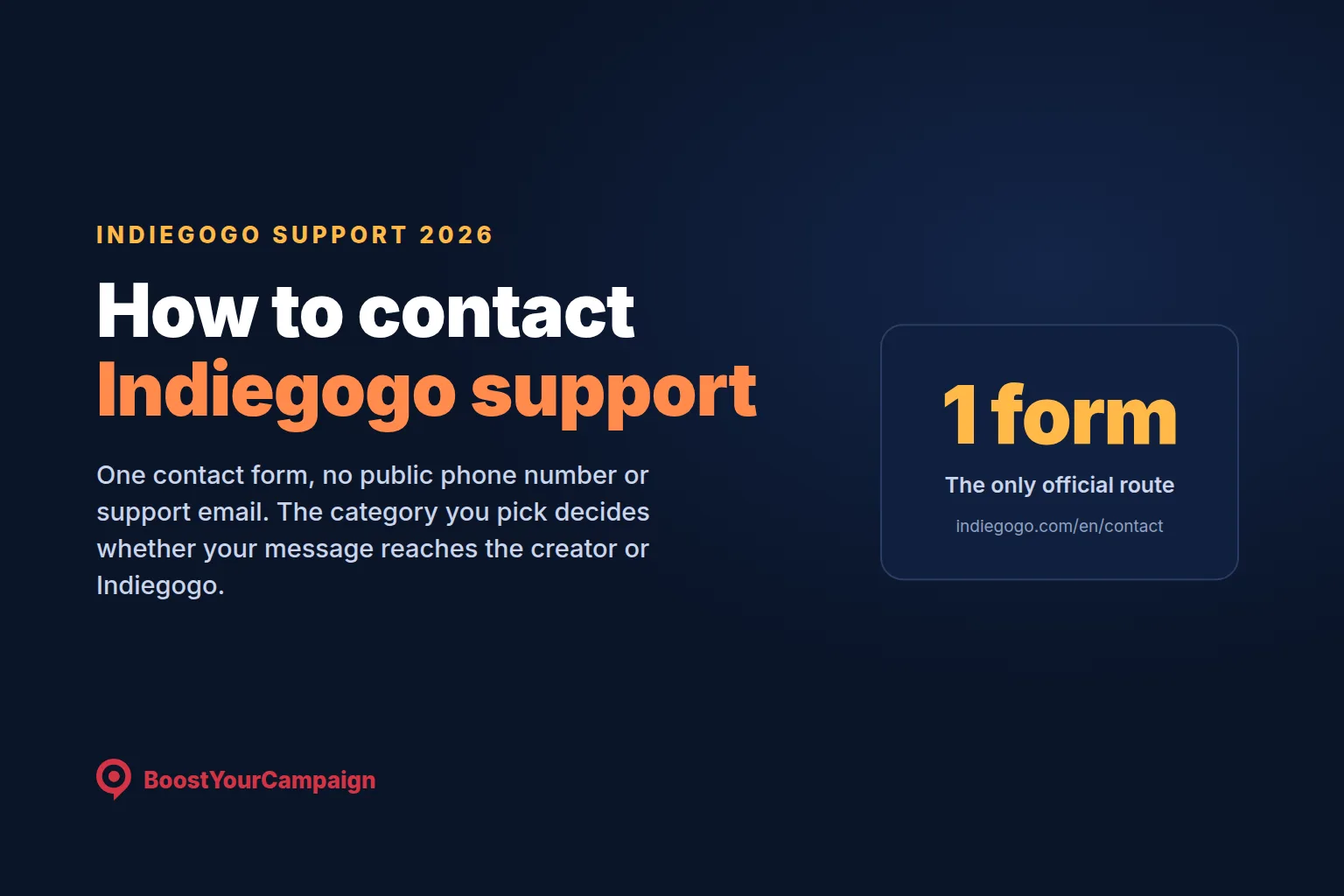
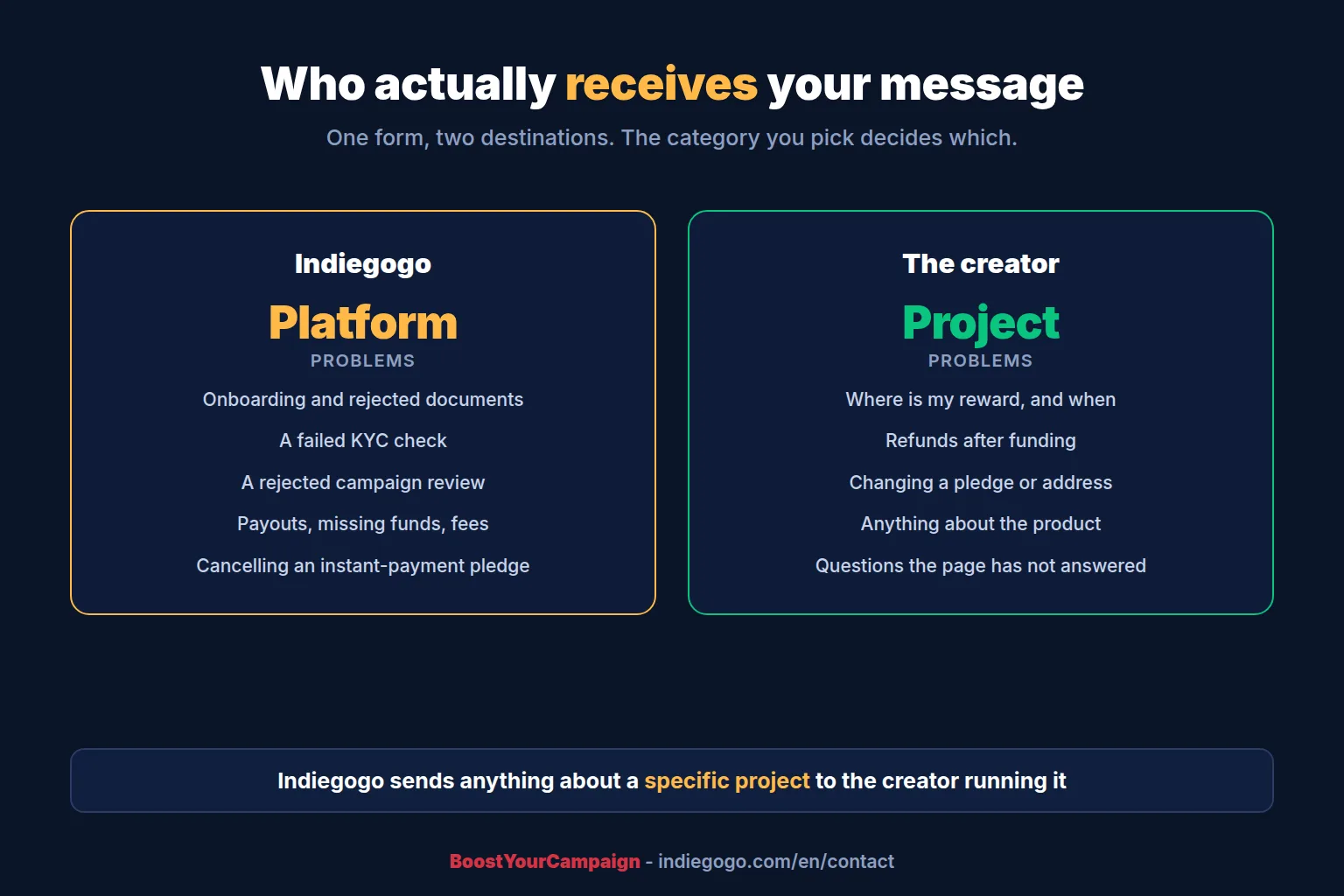
Indiegogo has one support route: the contact form at indiegogo.com/en/contact. There is no public phone number and no published support email address. You pick the project first, then a category, and the category decides whether your message goes to the creator or to Indiegogo. Anything about a specific project, including delivery, refunds and pledge changes, goes to the creator running it.
1) The contact form, step by step
- Go to indiegogo.com/en/contact
- Find and select the project you are asking about
- Read the questions and answers the creator has already published there. A good share of messages are answered at this step
- Scroll down and choose a category that matches your problem
- Write your message on the form that opens
Step four is the one that matters. Certain categories connect you to the creator and the rest reach Indiegogo, so picking the wrong one is the most common reason a message goes unanswered for a week. Source: Indiegogo on reaching creators directly and questions about a project.
2) Who handles what
| Your problem | Goes to |
|---|---|
| Where is my reward, when does it ship | The creator |
| A refund or cancellation after the campaign funded | The creator, who processes it from the order |
| Changing a pledge, an address or a billing country | The creator, if you cannot do it yourself |
| Anything about the product itself | The creator |
| Cancelling an instant-payment pledge during crowdfunding | Indiegogo, under the refund category. You cannot cancel these yourself |
| Onboarding, a rejected document, a failed verification | Indiegogo |
| A rejected campaign review, or a launch date inside seven days | Indiegogo |
| Payouts, missing funds, a fee query | Indiegogo |
| Account, login or saved card problems | Indiegogo |
3) Backers: try this first, it is usually faster
Most of what backers write in about can be done without contacting anyone. Everything below lives in Your dashboard, then Pledges and orders.
| You want to | Do this |
|---|---|
| Find your pledge | Your dashboard, then Pledges and orders. It lists every pledge and any unsubmitted cart |
| Cancel during crowdfunding | View your pledge, three-dot icon, Cancel pledge. You are not charged. Instant payments are the exception |
| Change your payment method | View your pledge, then scroll to the bottom. If it is not shown you have unsubmitted changes to revert first |
| Change a shipping address | View your pledge, three-dot icon, Manage shipping. Blocked once the order is ready for shipping or shipped |
| Edit a pledge in the pledge manager | View your pledge, then the editing icon. The total cannot fall below what you have already paid |
| See a project's payment history | Pledges and orders, pick the project, three-dot icon |
| Remove a saved card | User settings, then remove. It does not affect pledges you have already made |
| Tidy your list | Three-dot icon, Move to archive. Restore it later with the "include archived projects" filter |
4) The five questions backers ask most
When will I be charged?
Only after the campaign successfully reaches its goal, unless you chose an instant payment method, in which case you paid at checkout. Adyen keeps trying to charge cards for two weeks after the campaign ends. On a Stretch Pay instalment plan a failed payment is retried up to three times at 48-hour intervals. Until a charge succeeds you can change your card. Source: Indiegogo on when you are charged.
What happens if the campaign does not fund?
You are not charged and the project is not funded. Instant payment backers are refunded like everyone else. There is no partial outcome, because Flexible Funding no longer exists for new campaigns.
Why can I not find a project I backed?
Usually the pledge sits under a different email address than the one you are signed in with. This is common with Apple Hide My Email, and with pledges imported from another platform, where Indiegogo automatically creates an account against whatever address the creator supplied. Sign in with that address, or ask the creator which one is on the order.
A creator made an account for me. Can I use my existing one?
The imported email is what your pledge is attached to and what the creator needs to fulfill it, so use that account for anything about the order. Source: Indiegogo on imported accounts.
Can I change my billing address?
By default no, because VAT is calculated from it. Creators can switch the option on for their project, and where they have, you can change country with VAT recalculated automatically. Billing and shipping addresses must stay in the same country and state, so changing one changes the other. If you cannot do it, ask the creator through the contact form.
5) Creators: what to send, and what to check first
For onboarding and review problems, Indiegogo's reviewers work from the same rejection list every time. Quote the exact error message you received and name the document you uploaded. That tells them which check failed, which is the difference between one reply and four.
Before you write, check the three that account for most rejections:
- Bank document. Full unmasked account number, matching the name of the legal entity rather than a shareholder, issued within the last 12 months, with the bank's name or logo and a date of issuance visible
- Business details. Phone and tax numbers need their country prefix, the house or unit number goes in its own field rather than in Street, and a P.O. box is never accepted for a registered address
- Identity. A colour scan with the machine-readable zone fully visible, front and back as separate files, and the document type in the dropdown matching what you actually uploaded
Our Indiegogo support guide has the full rejection tables for all three, plus what to do about review rejections, payouts, shipping and the pledge manager.
6) Which Indiegogo documentation to trust
Use help.indiegogo.com. That is the current knowledge base for the platform as it has worked since the October 2025 migration onto Gamefound technology.
The older help centre at support.indiegogo.com has been largely unpublished since then, but a lot of it still ranks in Google. Those pages either error or describe a platform that no longer exists, including Flexible Funding, pre-launch reservations and the old fee structure. If a search result takes you there, treat it as out of date.
Be equally careful with phone numbers and support email addresses on third-party directory sites. Most predate the migration and several no longer work. The form is the route.
Frequently Asked Questions
What is the Indiegogo support email address?
Indiegogo does not publish a general support email address. The official route is the contact form at indiegogo.com/en/contact, where you select the project and then a category. Email addresses listed on third-party directory sites are mostly from before the October 2025 platform migration and many no longer work.
Does Indiegogo have a phone number?
There is no public customer service phone number. Support runs through the contact form only.
How do I contact the creator of an Indiegogo campaign?
Through the same contact form. Select the project, read the questions and answers the creator has published, then choose a category. Certain categories route your message to the creator rather than to Indiegogo, and anything about a specific project is meant to go to them.
How long does Indiegogo support take to reply?
Indiegogo does not publish a response time. For onboarding and campaign review problems you get a faster resolution by quoting the exact error message and naming the document you uploaded, because that identifies which verification check failed.
How do I get a refund on Indiegogo?
After a campaign has funded, refunds are processed by the creator from the order, so the request goes to them through the contact form. During crowdfunding you can cancel your own pledge from Pledges and orders without being charged. The exception is an instant payment method such as iDEAL, which you cannot cancel yourself: that one goes to Indiegogo under the refund category.
Where do I find my Indiegogo pledge?
Your dashboard, then Pledges and orders, which lists every pledge and any unsubmitted cart. If a pledge is missing it is usually attached to a different email address, which is common with Apple Hide My Email or with pledges imported from another crowdfunding platform.
Why can I not cancel my Indiegogo pledge?
Two common reasons. You paid with an instant method such as iDEAL, which has to be cancelled by Indiegogo through the contact form under the refund category. Or the campaign has already ended, in which case cancellations are handled by the creator rather than by you.
If you are a creator and you want the campaign run rather than administered, book a free strategy call. For everything else about how the platform works, our Indiegogo support guide covers onboarding, rewards, fees, payouts, shipping and the pledge manager in full.
Want results like these for your campaign?
We've helped 4,600+ creators raise over $734M. Let's pressure-test your launch plan and find the highest-leverage fixes before you go live.
Book a free strategy call →Get the free 87-step launch checklist
The exact pre-launch, live-campaign and fulfillment steps we use across 4,600+ launches. Free PDF, emailed instantly.
You're in - check your inbox. Open the checklist now ->