Board game renders are digital images of your box, components and table setup, made from your art files before the game exists in print. They carry your Kickstarter page header, pre-launch landing page, emails and some ads. Renders are widely used on tabletop campaigns, but Kickstarter bans photorealistic renders in Hardware and Product Design projects, and tabletop backers trust real photos more, so show your printed prototype next to every render.
- Renders sell the finished look; prototype photos and gameplay footage prove the game is real. A strong page uses both.
- Kickstarter's render ban applies to Hardware and Product Design, not to Games, but its honesty rules apply to every project.
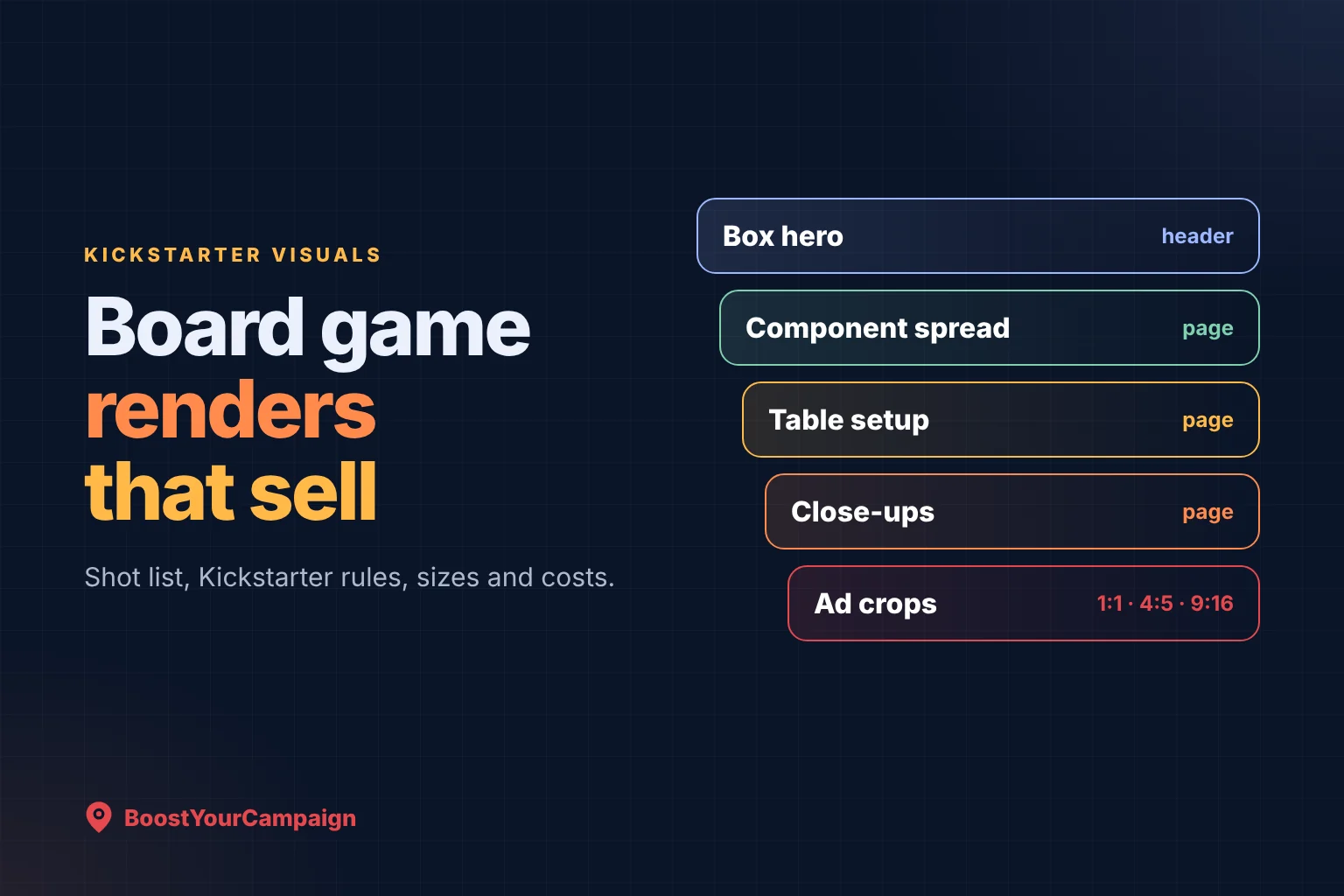
- Plan a shot list before you brief anyone: box hero, components, table setup, close-ups and ad crops.
- Modelling is the expensive part, so hand your renderer the final dielines and component sizes from your manufacturer.
- Only render what you can make. A miniature or insert that cannot be produced becomes a broken promise.
What board game renders are, and where they earn their place
A render is a computer-made image of something that has not been photographed, usually because it has not been printed yet. For a board game that means a 3D box with your cover art wrapped onto it, cards and tokens laid out on a table, a fully set-up game in a lifestyle scene, or a short turntable animation of the box. They let you show the finished product months before the factory ships it.
They earn their place in a few specific jobs: the main project image and header, the pre-launch landing page, component breakdowns that show exactly what is in the box, stretch goal and add-on graphics, and email and social posts during pre-launch. They are weaker in two places. In paid ads, polished renders often lose to real footage, which we cover below. And as proof that the game exists, a render proves nothing, which is exactly why backers look for real photos too.
Are renders allowed on Kickstarter?
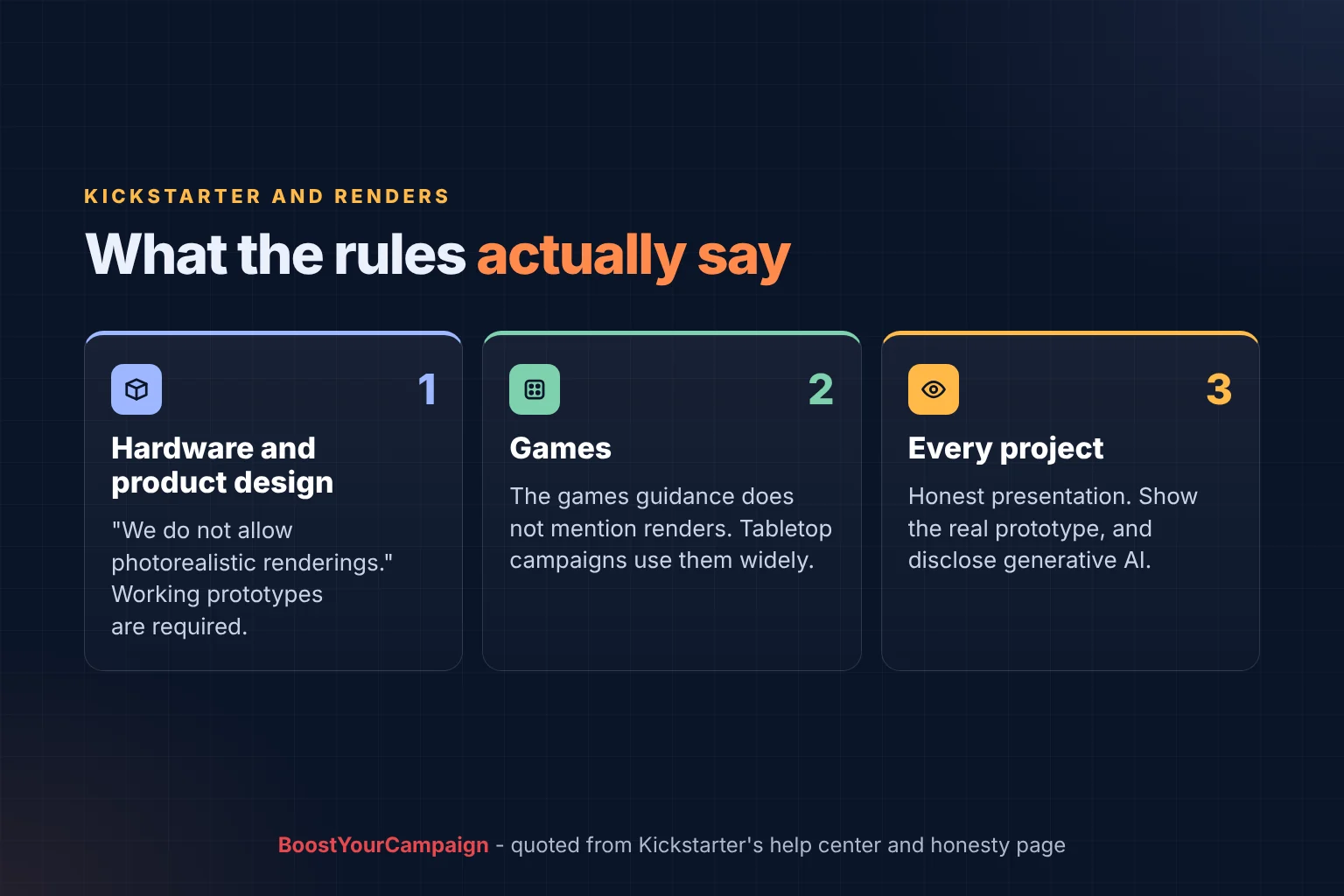
It depends on the category, and the details matter. Kickstarter's rules for hardware and product design projects say creators "are required to show working prototypes of their projects. We do not allow photorealistic renderings" (Kickstarter help center). Its page on honest presentation lists using "photorealistic renderings anywhere within your project" as something not to do, in the context of projects that involve "something complex, like a gadget" (Kickstarter).
Kickstarter's games guidance does not mention renders, and tabletop campaigns use box and component renders all the time. What does apply to every project is the honesty standard behind those rules. In practice that means:
- Show real photos of your printed prototype alongside the renders, so backers can see the game exists.
- Label renders as renders, for example "Render. Final components may vary." Kickstarter does not require this label; we recommend it.
- Do not render what is not decided, such as packaging, inserts or upgrades you have not quoted with a factory.
- Check your category. A game accessory, a storage solution or an electronic game filed under Design or Technology falls under the stricter product rules.
- Disclose generative AI. Kickstarter asks creators to disclose AI-generated content, and says AI renderings "can't stand in for a real prototype" in design and technology projects (Kickstarter help center).
The renders a board game campaign needs
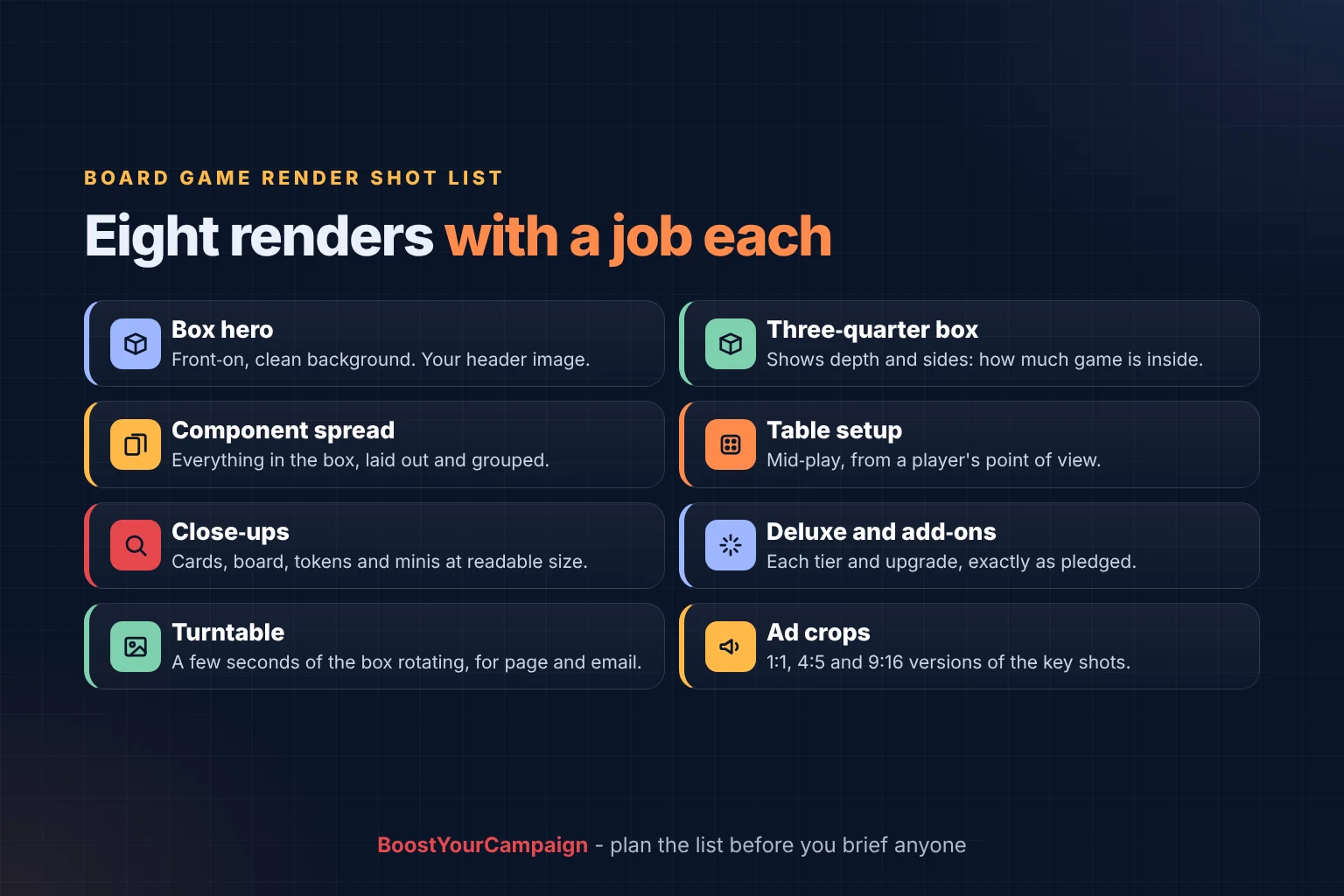
Write the shot list before you brief anyone. It keeps the cost predictable and makes sure every render has a job on the page or in your marketing.
- Box hero: the box, front-on or slightly angled, on a clean background. Your header and the image most people see first.
- Three-quarter box: shows the box depth and sides, which signals how much game is inside.
- Component spread: everything in the box, laid out flat and grouped. This is the image backers zoom into before they pledge.
- Table setup: the game set up mid-play from a player's point of view, so people can picture the table.
- Close-ups: cards, the board, tokens and any miniatures, at a size where the art reads.
- Deluxe and add-ons: each tier and upgrade, so the reward section shows exactly what each pledge gets.
- Turntable or reveal: a few seconds of the box rotating or cards fanning out, for the page, emails and social posts.
Sizes and formats
Design every render at a high resolution and crop down from there. Kickstarter's help center says story images must be 50MB or less, recommends JPEG, PNG or GIF, and suggests scaling images "to 700px or higher" before upload, adding that "all images are compressed when uploaded" (Kickstarter help center). Your project image and video display in a 16:9 frame, so compose the box hero with room on both sides.
For ads, export each key render in the crops the platforms use: square 1:1 (1080 x 1080), vertical 4:5 (1080 x 1350) for feeds, and 9:16 (1080 x 1920) for Reels and TikTok. BackerKit's ad team, which publishes these sizes, also advises against "photo renders with transparent backgrounds and no logo" and notes that "studio product shots perform well with a logo and appealing background" (BackerKit).
Renders or real photos?
Both, used for different jobs. Renders win on the campaign page, where a clean, consistent look makes the game feel finished and premium. Real photos and video win wherever trust is the question: in ads and on the parts of the page that show gameplay. In our experience running board game ads, real hands on real components, filmed on a real table with good light, consistently beats polished renders, and tabletop audiences are quick to spot a slideshow of renders standing in for gameplay. Our guide to board game Kickstarter ads covers this in detail.
A practical split: renders for the header, component breakdowns, reward tiers and stretch goals; prototype photos and play footage for the story section, the video and most ads. Where a render and a photo show the same component, place them side by side.
Making renders yourself or hiring someone
You can make simple renders yourself. A free box mockup or 3D viewer, such as The Game Crafter's box viewer, turns finished box art into a rotating box with no 3D skills. Tabletop Simulator and Tabletopia can produce in-game table views. Blender is free and can produce professional results, with a real learning curve. Tools like KeyShot and Cinema 4D are common in professional studios.
Hiring makes sense for the hero shots, the component spread and anything with miniatures, where lighting and materials make the difference between premium and plastic. Find renderers the same way you find illustrators: in the credits of campaigns you admire, and on ArtStation and Behance. Ask for examples of tabletop work specifically, because rendering cardboard, linen finishes and wooden pieces convincingly is its own skill. Agree in writing that you get full commercial rights to the images and the source files, so you can make new crops and add-ons later without starting over.
What renders cost and how to keep the cost down
There is no neutral price survey, and quotes vary widely with the renderer's experience and the number of components. What drives the price is predictable, though. As UK Kickstarter consultant Adam Webb puts it, "modelling is the expensive part, not the rendering" (Adam Webb). Building accurate 3D models of your box, cards, tokens and miniatures takes most of the hours; once they exist, each new angle or crop is comparatively cheap.
- Send exact files: final print-ready art and the manufacturer's dielines and component sizes, so nothing is modelled twice.
- Agree the shot list up front, with a fixed number of revision rounds per image.
- Reuse the models: one set of models covers the page, ads, emails, add-ons and later retail listings.
- Render final art only. Rendering art that is still changing means paying for the same image twice.
Budget renders as part of your campaign visuals, next to illustration. Our guide to board game art that converts covers how to brief and budget the art itself.
The mistakes that cost backers' trust
The most expensive render mistakes surface after the campaign, when backers compare what arrives with what they were shown. Miniatures modelled with details too thin to cast, inserts that were never quoted, a box that grows after stretch goals, or a premium finish that was dropped to save cost all turn into comments and refund requests. Before a render goes on the page, check each component against your factory quote. If you have not yet chosen a factory, our comparison of board game manufacturers explains how to get quotes and samples that match what you show.
Frequently asked questions
Are 3D renders allowed on Kickstarter for board games?
Yes, in practice. Kickstarter's ban on photorealistic renderings is written for hardware and product design projects, and its games guidance does not mention renders. Its honesty rules still apply to every project, so pair renders with real prototype photos and do not show components you cannot produce.
Should I use renders or real photos of my prototype?
Both. Renders work best for the header, component breakdowns and reward tiers. Real photos and gameplay footage build trust and usually perform better in ads for tabletop games.
What size should Kickstarter images be?
Kickstarter recommends story images of 700 pixels wide or more, up to 50MB, in JPEG, PNG or GIF. For ads, export square 1080 x 1080, vertical 1080 x 1350 and full-screen 1080 x 1920 versions of your key renders.
How much do board game renders cost?
It varies with the renderer and the number of components. The 3D modelling of your box and pieces is the main cost, so sending final art and the manufacturer's dielines, and agreeing a fixed shot list, keeps it down.
Can I use AI-generated renders on Kickstarter?
Kickstarter requires you to disclose generative AI use, and says AI renderings cannot stand in for a real prototype in design and technology projects. For a board game, show real photos of the printed prototype next to any AI-assisted image.
When should I get renders made?
Once the art and component list are final, and before pre-launch marketing starts, so the same images can carry your landing page, emails and launch page.
Want your renders, prototype photos and ads planned as one launch? Talk to an expert.
Want results like these for your campaign?
We've helped 4,600+ creators raise over $734M. Let's pressure-test your launch plan and find the highest-leverage fixes before you go live.
Talk to an expert →Get the free 87-step launch checklist
The exact pre-launch, live-campaign and fulfillment steps we use across 4,600+ launches. Free PDF, emailed instantly.
You're in - check your inbox. Open the checklist now ->